Hello, first of all, thank you for your support.
I would like to ask a question about exporting the pdf.
When I export the pdf, the colors assigned to each of the tasks do not appear, and when I am on the desktop gant I have the columns enabled.
Do you know if I need to set up something else?
Thank you again.
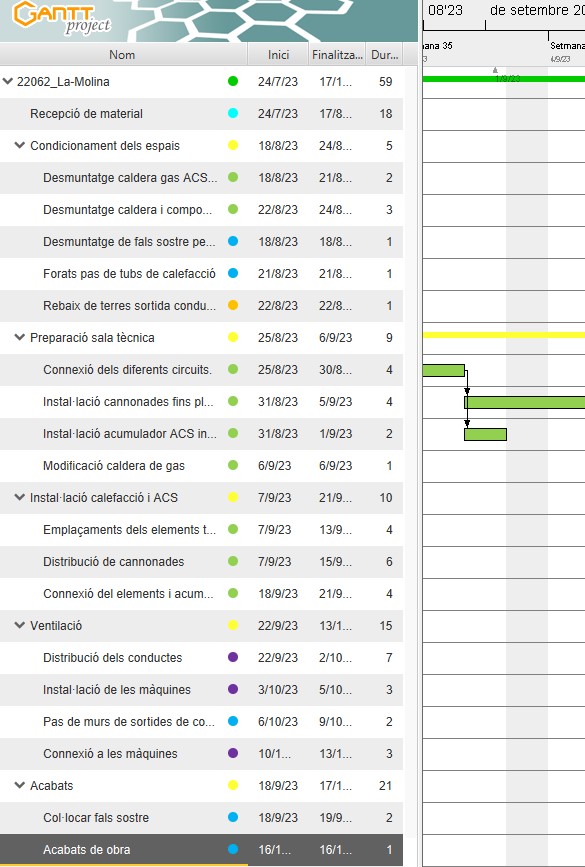
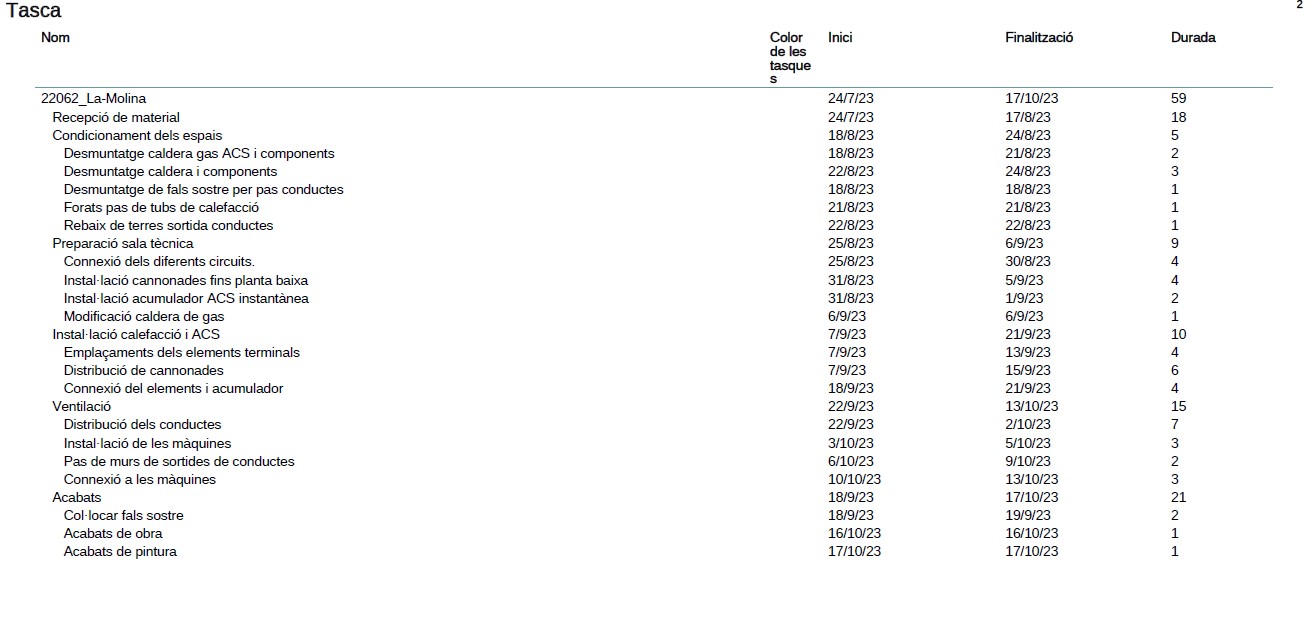
I have filed a new bug report. Thanks!
1 Like
This will be fixed in GP 3.3
Thanks for all DmitryBarashev
Hello, I am having the same problem with the task bar colours not showing on exported pdf document - i have the 3.3 version so it hasn’t been fixed - is there anything i can do? thank you
The problem that is described by the topic started and the associated bug report are fixed in GP 3.3
No the problem she reported was…”When I export the pdf, the colors assigned to each of the tasks do not appear, and when I am on the desktop gant I have the columns enabled”
The colours show on the desktop version when editing yes but the problem wasn’t that its when you export the pdf document the colour dots disappear off the task pane. My screenshot shows below all the colours next to each task disappear when you export.
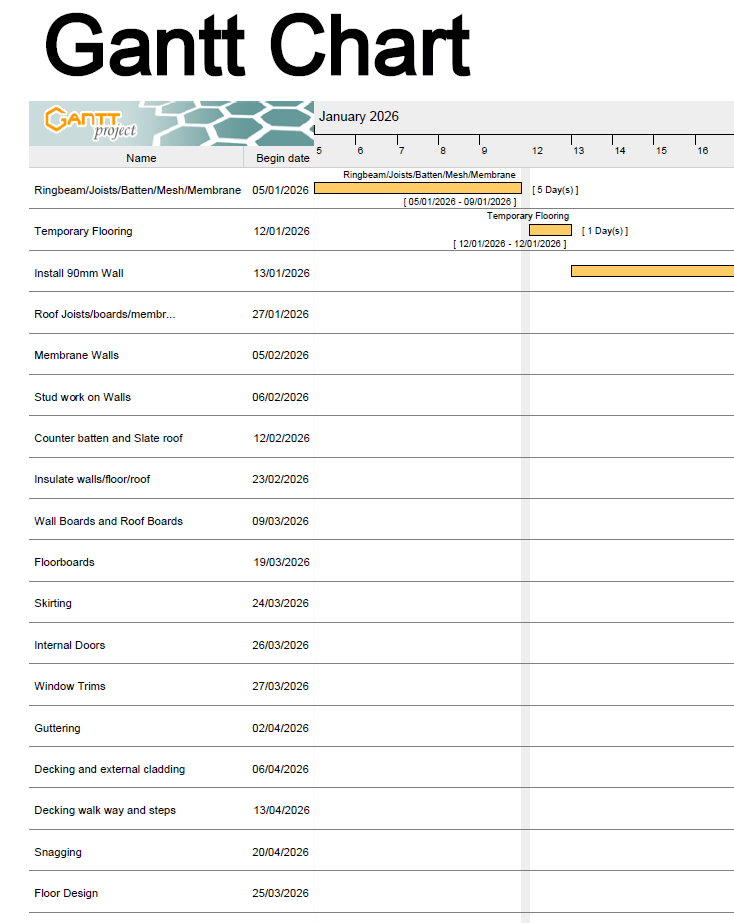
sorry i sent that quickly - didn’t put thank you on the end 
No, the color dots are exported without issues if they are shown in the application itself. You can see it in the video above: color dots are shown next to the task names both in the desktop app and in the exported PDF. If it works differently on your machine, please attach a similar screencast of the export process.
Ah, sorry, I see that you were talking about the Gantt chart exported to PDF. You were right, the dots aren’t there.
So, the problem reported by the topic starter is fixed indeed, because it referred to the task table part of the PDF export. However, the dots are missing in the exported Gantt chart.
I filed a new bug report:
fab thank you for doing that 