New to Gantt Project, loving it.
But today I was using the mouse scrollwheel to zoom into my Gantt and it didn’t behave as well as I expected. I would anticipate a zoom in using the mouse wheel to stay centred on the date directly under my mouse pointer. So if I zoom in near the left side, the right side would push out beyond my screen and I’d get a zoomed in view of the left side. Opposite for zooming in on the right side.
What I see today is perhaps an unpredictable zoom. For example, if I have the entire Gantt visible to start:
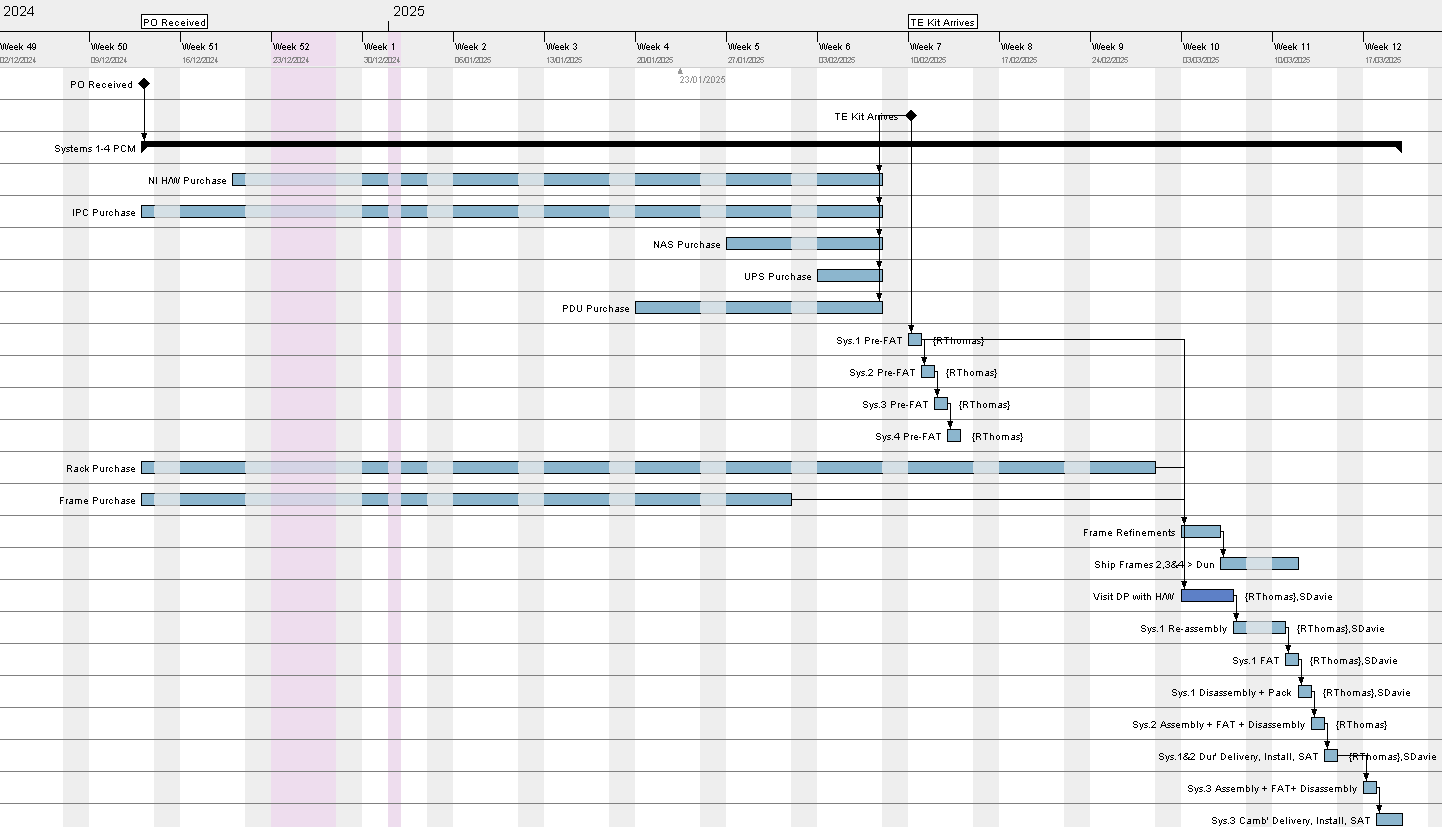
Zooming in on the left side results in the content being pushed out of view to the left:
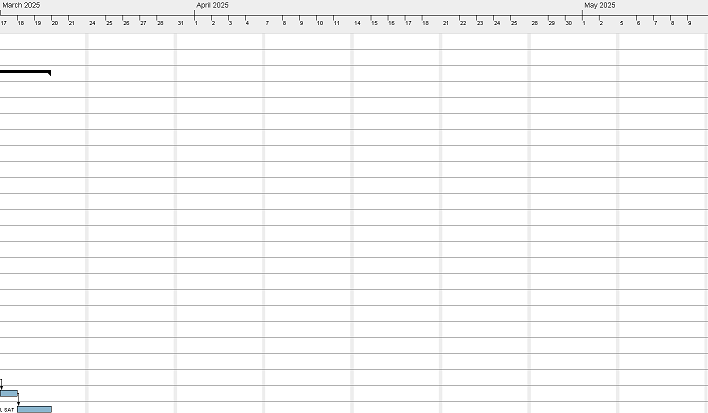
Zooming instead on the right side results in exactly the same view.
Just mentioning as I feel it’s an easy one to implement and it would make zooming so much better.
Also, for completeness, I tried the “Zoom In” and out buttons on the ribbon and they do exactly the same thing. It appears that for my project, the date line is moved to Week 12 (17th March 2025).