I am fairly new to GanttProject, but so far it’s looking a nice solution for our needs. However, I am finding the column configuration a little frustrating and was wondering if anyone else was having the same issues.
In other applications, I can set the order and width of all the associated task columns and these stay permanently fixed, irrespective of panel slider position. As the panel slider is moved to the left, the task columns are covered as the size of the Gantt panel is increased for a better project view. For example, this is what it looks like in ProjectLibre.
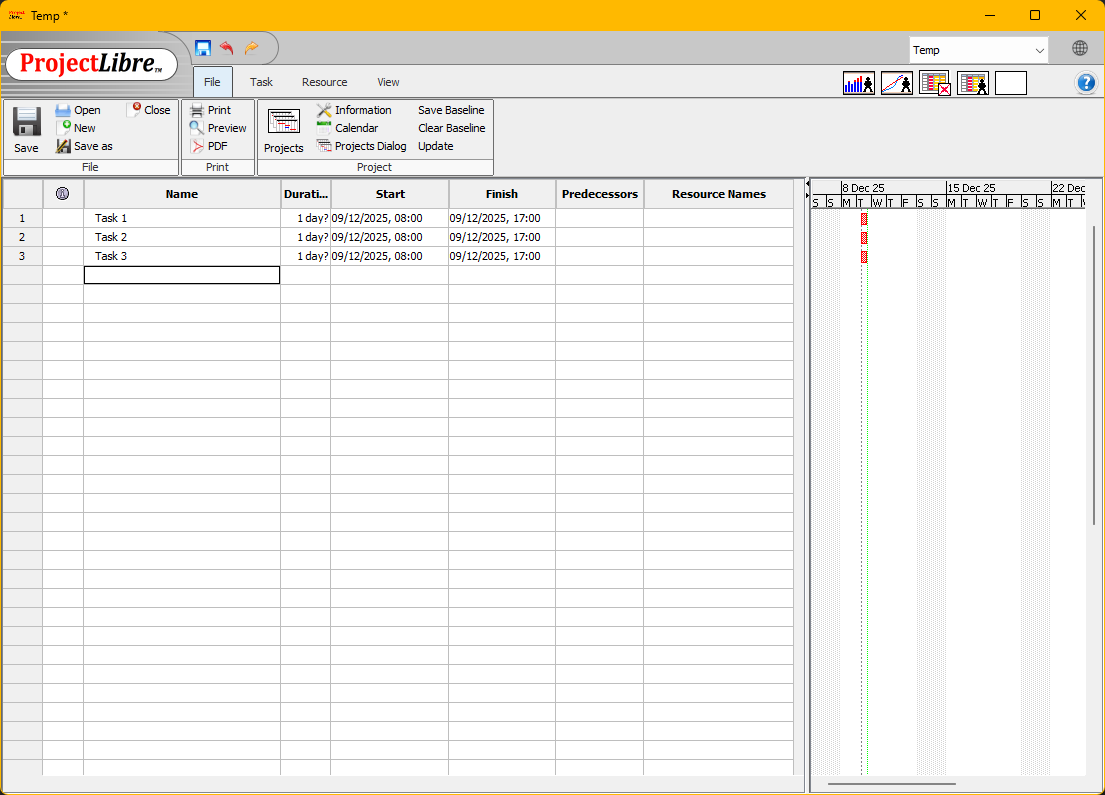
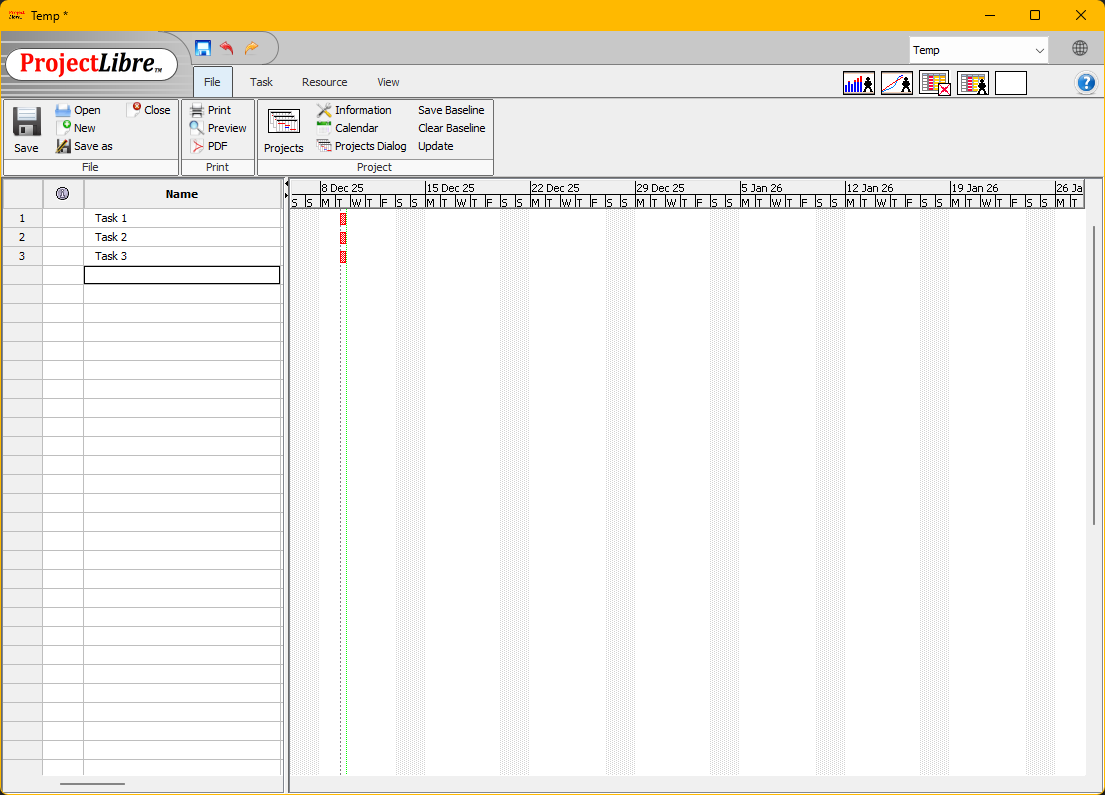
With GanttProject, changing the slider position resizes the column widths so they all fit in the new space, which means increasing the Gantt view makes the task column contents unreadable. As things stand, we have to work with a single panel slider position, which limits how we use the software.
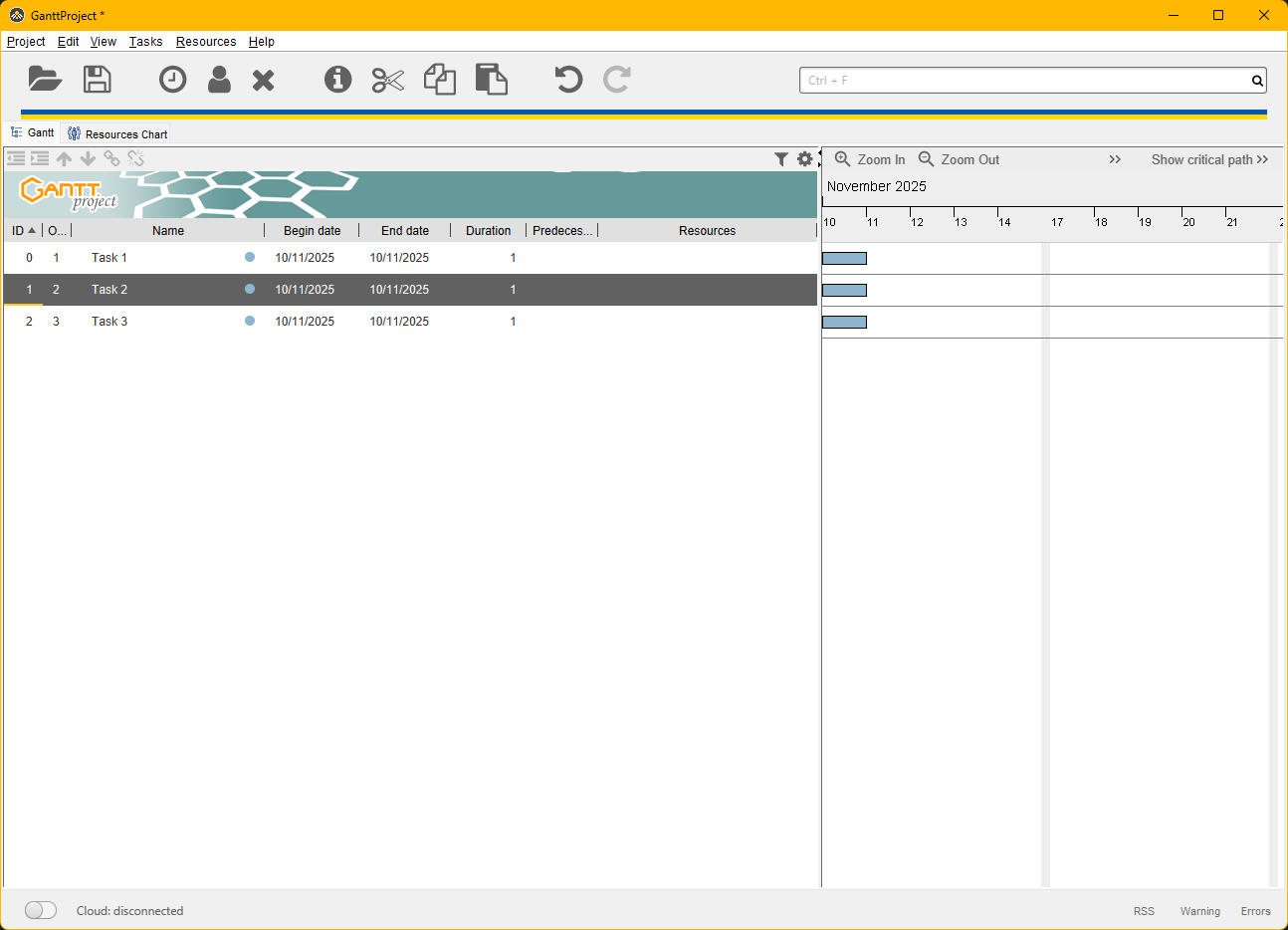
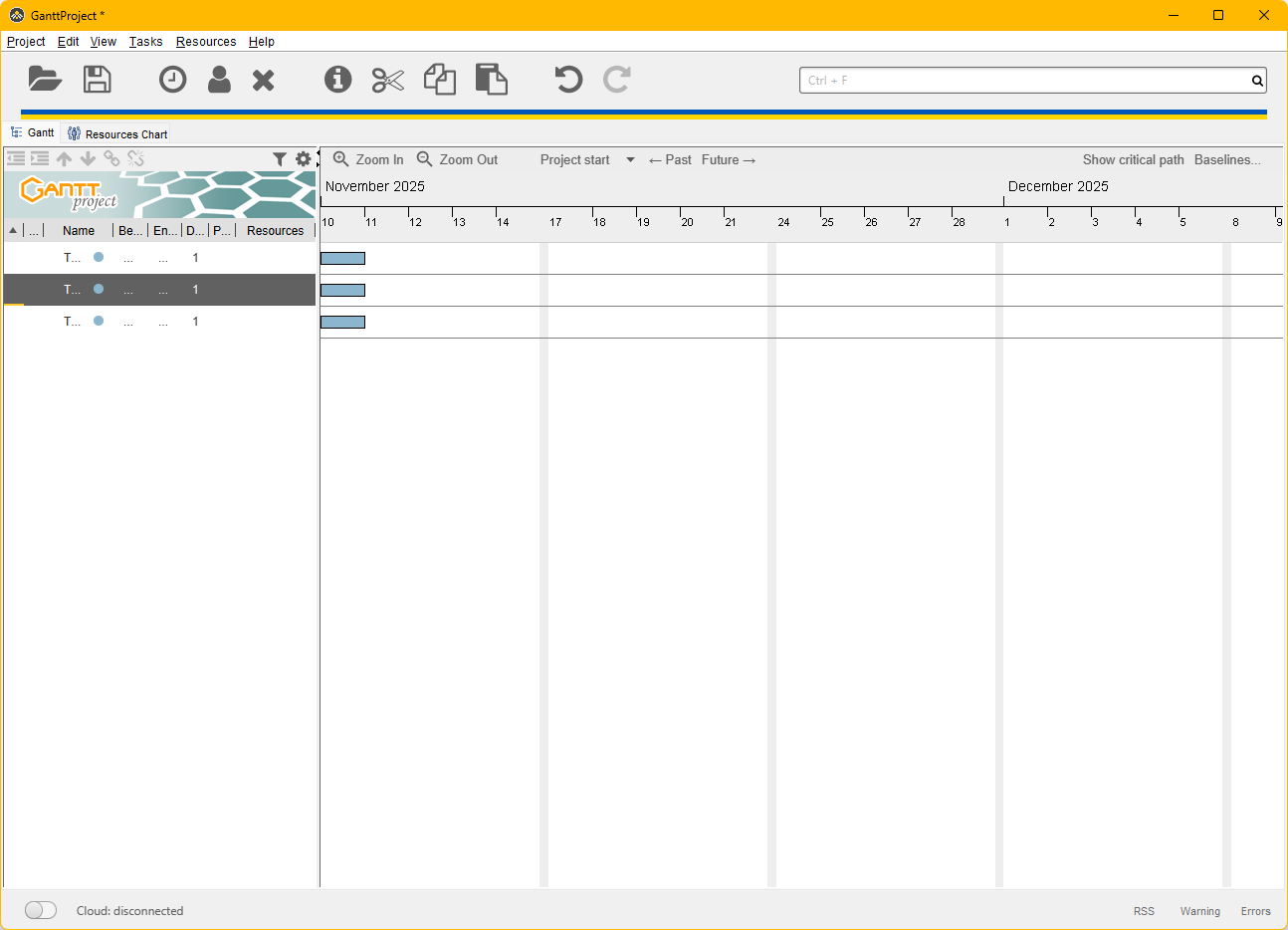
Looking through previous posts, it doesn’t seem like anyone else has this issue, so it may just be a way we have to work with the software. However, if changes to the task column arrangement are being considered, a way to save different column configurations would also be useful, so each project could have different task panel views available for different stakeholders, and setting up new projects would be easier.
I am currently using 3.3.3320
 ) specially with translated UI captions.