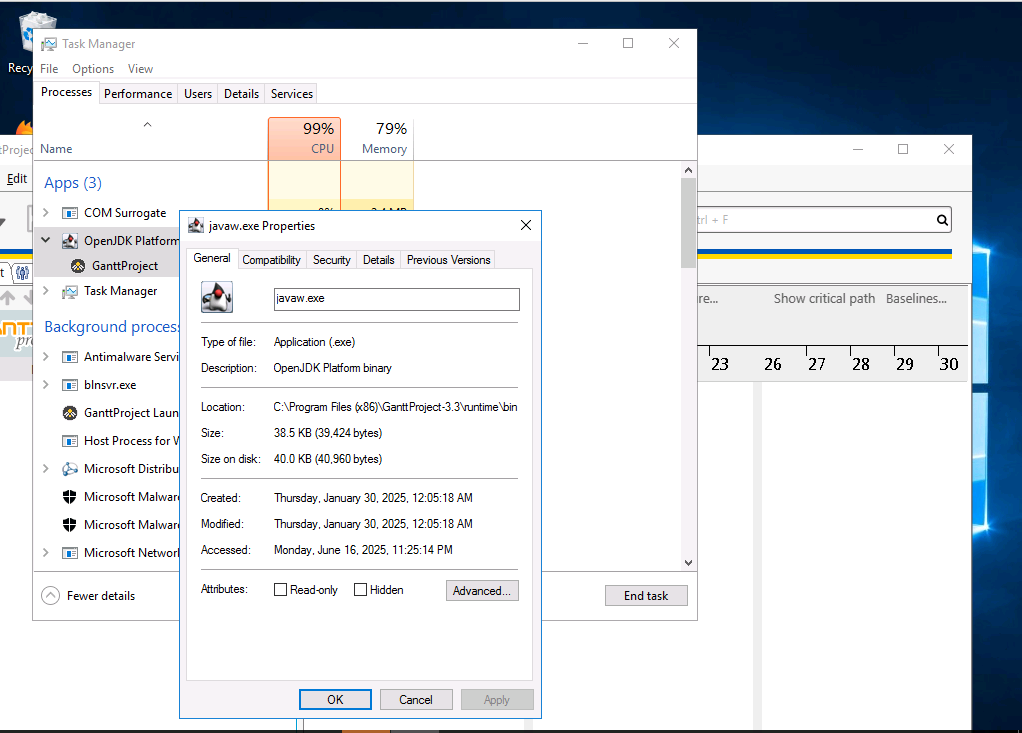
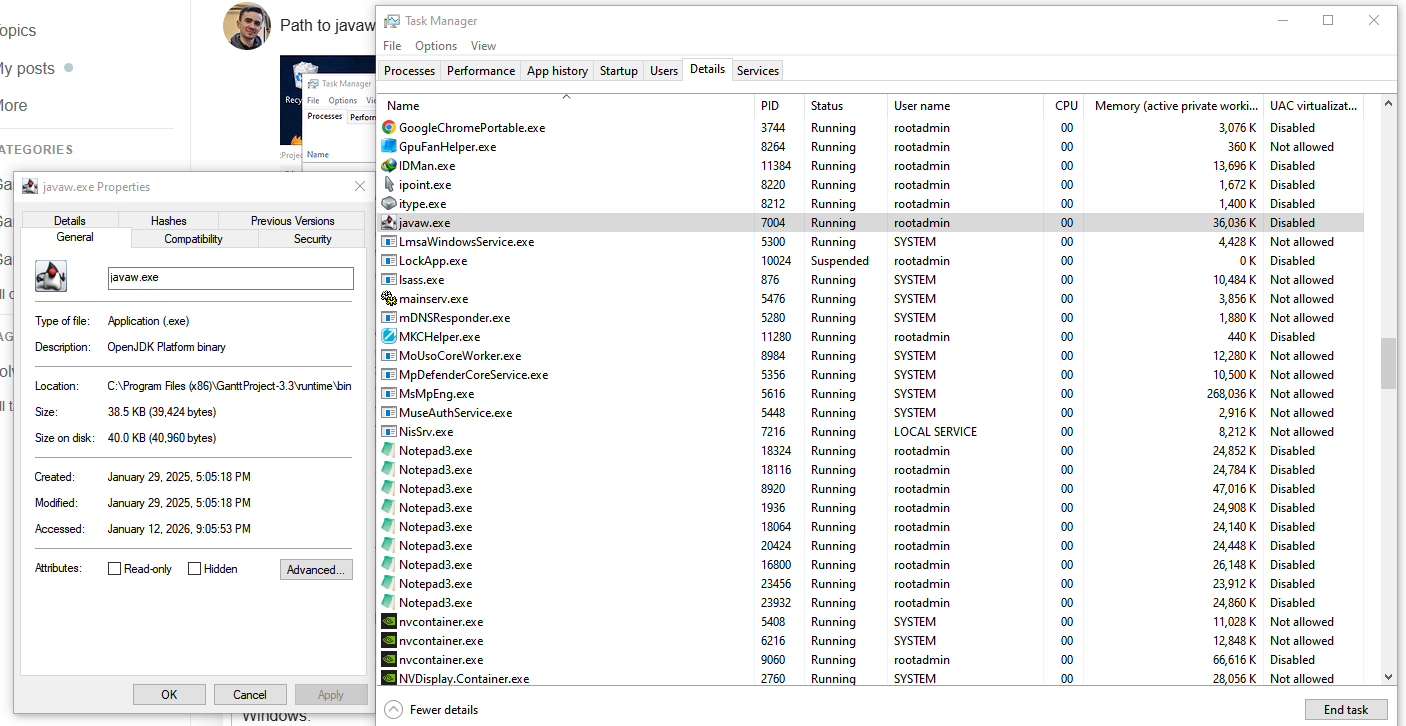
Latest version of 3.3 cannot launch through the exe shortcut on Windows 10. The ganttproject.exe and javaw.exe appear in Task Manager but no UI is visible.
Using the .bat file works and here is the output:
.\ganttproject.bat
Jan 06, 2026 11:54:44 A.M. com.bardsoftware.eclipsito.runtime.ModuleRuntime lambda$getVersionLayerStoreDirs$5
FINE: Path `plugins` is not absolute. We'll try resolving it relative to user.dir=C:\Program Files (x86)\GanttProject-3.3
Jan 06, 2026 11:54:45 A.M. com.bardsoftware.eclipsito.runtime.ModuleRuntime build
FINE: We will run with the following plugins:
Jan 06, 2026 11:54:45 A.M. com.bardsoftware.eclipsito.runtime.ModuleRuntime lambda$build$3
FINE: Plugin biz.ganttproject.impex.msproject2-3.3.3316 at C:\Program Files (x86)\GanttProject-3.3\plugins\base\biz.ganttproject.impex.msproject2\plugin.xml
Jan 06, 2026 11:54:45 A.M. com.bardsoftware.eclipsito.runtime.ModuleRuntime lambda$build$3
FINE: Plugin org.ganttproject.chart.pert-3.3.3316 at C:\Program Files (x86)\GanttProject-3.3\plugins\base\org.ganttproject.chart.pert\plugin.xml
Jan 06, 2026 11:54:45 A.M. com.bardsoftware.eclipsito.runtime.ModuleRuntime lambda$build$3
FINE: Plugin biz.ganttproject.app.localization-3.3.3316 at C:\Program Files (x86)\GanttProject-3.3\plugins\base\biz.ganttproject.app.localization\plugin.xml
Jan 06, 2026 11:54:45 A.M. com.bardsoftware.eclipsito.runtime.ModuleRuntime lambda$build$3
FINE: Plugin biz.ganttproject.impex.ical-3.3.3316 at C:\Program Files (x86)\GanttProject-3.3\plugins\base\biz.ganttproject.impex.ical\plugin.xml
Jan 06, 2026 11:54:45 A.M. com.bardsoftware.eclipsito.runtime.ModuleRuntime lambda$build$3
FINE: Plugin org.ganttproject.impex.htmlpdf-3.3.3316 at C:\Program Files (x86)\GanttProject-3.3\plugins\base\org.ganttproject.impex.htmlpdf\plugin.xml
Jan 06, 2026 11:54:45 A.M. com.bardsoftware.eclipsito.runtime.ModuleRuntime lambda$build$3
FINE: Plugin net.sourceforge.ganttproject-3.3.3316 at C:\Program Files (x86)\GanttProject-3.3\plugins\base\ganttproject\plugin.xml
Jan 06, 2026 11:54:45 A.M. com.bardsoftware.eclipsito.runtime.ModuleRuntime lambda$build$3
FINE: Plugin biz.ganttproject.app.libs-3.3.3316 at C:\Program Files (x86)\GanttProject-3.3\plugins\base\biz.ganttproject.app.libs\plugin.xml
Jan 06, 2026 11:54:45 A.M. com.bardsoftware.eclipsito.runtime.ModuleRuntime lambda$build$3
FINE: Plugin biz.ganttproject.core-3.3.3316 at C:\Program Files (x86)\GanttProject-3.3\plugins\base\biz.ganttproject.core\plugin.xml
Jan 06, 2026 11:54:45 A.M. com.bardsoftware.eclipsito.runtime.Runner run
FINE: Command line args: [-log, true]
Jan 06, 2026 11:54:45 A.M. com.bardsoftware.eclipsito.runtime.Runner run
FINE: Launching application=net.sourceforge.ganttproject.GanttProject
WARNING: A restricted method in java.lang.System has been called
WARNING: java.lang.System::load has been called by com.sun.glass.utils.NativeLibLoader in module javafx.graphics (jrt:/javafx.graphics)
WARNING: Use --enable-native-access=javafx.graphics to avoid a warning for callers in this module
WARNING: Restricted methods will be blocked in a future release unless native access is enabled

WARNING: A restricted method in java.lang.System has been called
WARNING: java.lang.System::load has been called by com.sun.jna.Native in an unnamed module (file:/C:/Program%20Files%20(x86)/GanttProject-3.3/plugins/base/ganttproject/lib/com.sun.jna_5.13.0.v20230812-1000.jar.lib)
WARNING: Use --enable-native-access=ALL-UNNAMED to avoid a warning for callers in this module
WARNING: Restricted methods will be blocked in a future release unless native access is enabled
Here is the log file after it is opened with the .bat:
C:\Users\%username%\ganttproject.log

GanttProject 3.3.3316
Settings file:
	location: C:\Users\rootadmin\.ganttproject
	size:4829
	is readable: true
java.class.path: ;.\eclipsito.jar;.\lib\slf4j-api-2.0.4.jar;.\lib\slf4j-jdk14-2.0.4.jar;.
java.home: C:\Program Files\BellSoft\LibericaJRE-25-Full
java.ext.dirs: null
java.io.tmpdir: C:\Users\%username%\AppData\Local\Temp\
java.runtime.version: 25.0.1+13-LTS
java.vendor: BellSoft
java.vm.name: OpenJDK 64-Bit Server VM
java.vm.vendor: BellSoft
java.vm.version: 25.0.1+13-LTS
os.arch: amd64
os.name: Windows 10
os.version: 10.0
sun.java.command: com.bardsoftware.eclipsito.Launch --verbosity 4 --version-dirs plugins;~/.ganttproject.d/updates --app net.sourceforge.ganttproject.GanttProject -log true
user.country: CA
user.dir: C:\Program Files (x86)\GanttProject-3.3
user.home: C:\Users\%username%
user.language: en
user.timezone: America/Toronto